Just bought an anamorphic lens due to arrive today. so what is a anamorphic lens?
it is often used in film making when the picture/video goes narrow for a more dramatic scene,
this will be my first time trying out this type of lens so later on I will give my trials and errors - how to-
so far learnt this
but that does not relate to posting the same. desqueeze requires editing .
so onto
Open your squeezed photo in Photoshop Elements.
Go to the top menu and select Image > Resize > Image Size.
Unlock or uncheck the constraint/proportions lock (the chain icon).
Multiply either the width or height by your lens squeeze factor (such as multiplying the width by 1.33 for a 1.33x anamorphic lens).
Enter the new calculated dimension into the box and click OK. [1]
If you can share the specific squeeze factor of your lens (e.g., 1.33x, 1.5x, 2x) and whether you are working with video or photos, I can provide the exact numerical percentages or pixel dimensions you need.
Have to say seen on here there are restrictions as to width allowed, better seen on monitor. bit dissapointing you can’t see that thre is much difference
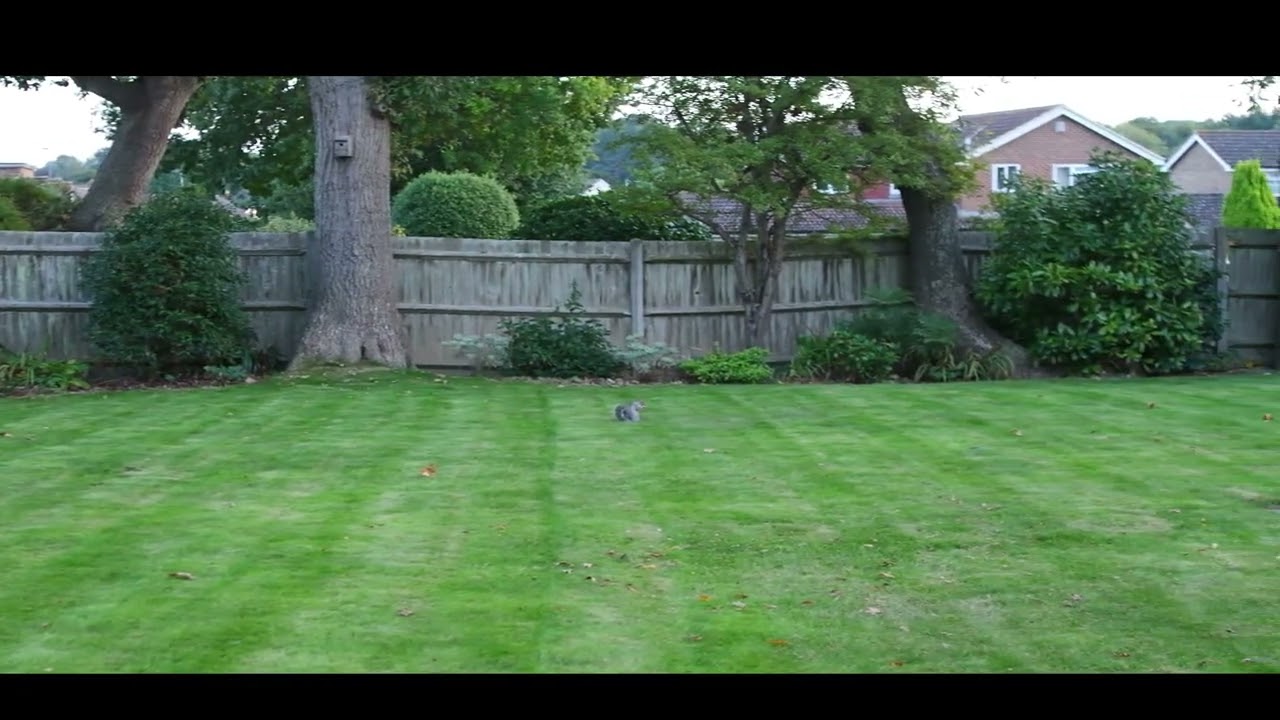
AAS I said I am learning and that Video clip shown is a load of BS. That lens is for video only not stills. as the camera to get that has to be in video mode. Look along the top and it Shows MP4 which is a video file My FIRST EFFORT WAS USELESS BASED OF FALSE INFORMATION.
So lets try again
I thought Anamophic lenses were brought in to get Cinemascope, ie wide screen movies, on to standard 35mm film so using the same 4:3 format for a 2:1 movie.
Wasn’t that dreadful film Rosemarie one of the first to use it?
I must admit I can’t see why you’d need one for digital cameras.
Interesting point of view from another site here i put this video. The person as on about it not looking correct about height if clip and it should be a full video. then I realised their mistake. They were watching it on a piddly little 14" screen so the effect is totally lost. to get the full benefit one shold use at least a 27" screen or larger.
I fail to see how anyone can comment on anything that is not shown as presented instead of a tiny screen
I transfer all my photos on to this laptop and together with cropping and resizing I change them all to 16:9 and they fill the screen and look brilliant. I can even bluetooth them onto the TV and they fill the screen also.
I even made a list so I can choose the resolution.
TV size Pictures 16:9
Times x Wide x Height
80 1280 x 720
90 1440 x 810
100 1600 x 900
110 1760 x 990
120 1920 x 1080
130 2080 x 1170
140 2240 x 1260
150 2400 x 1350
160 2560 x 1440
170 2720 x 1530
210 3360 x 1890
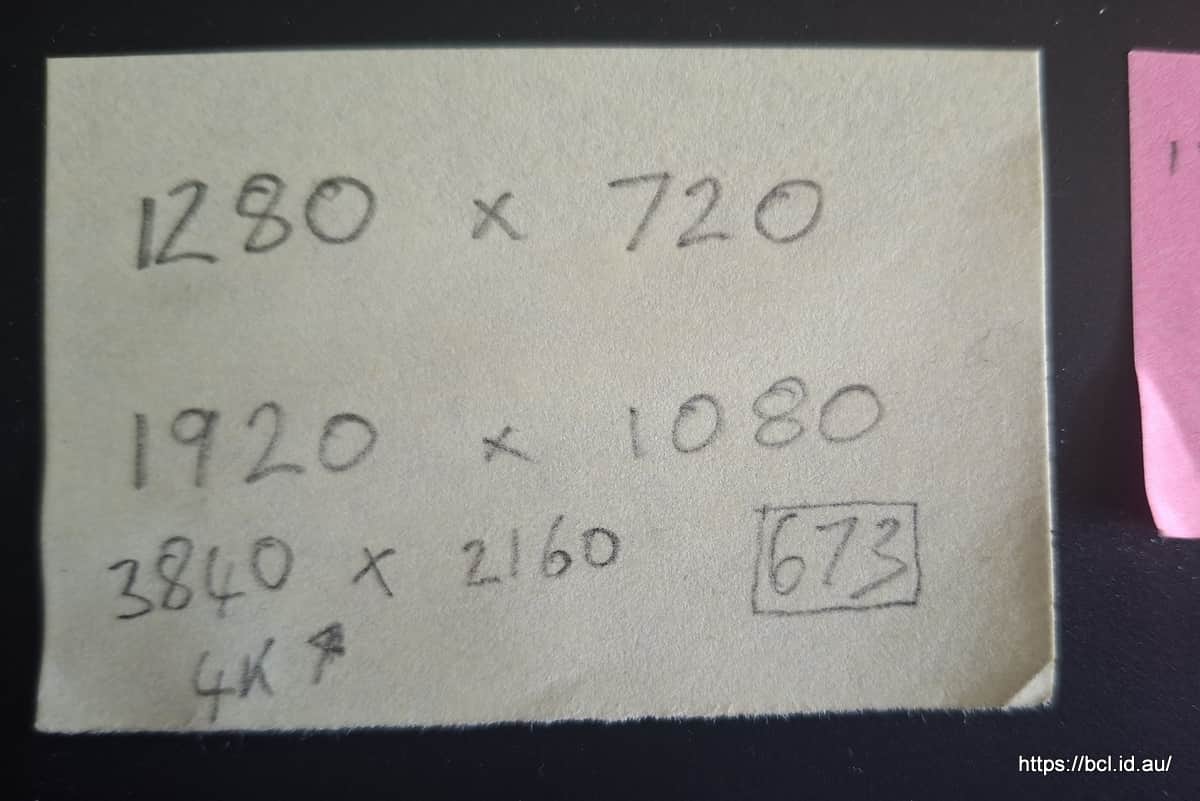
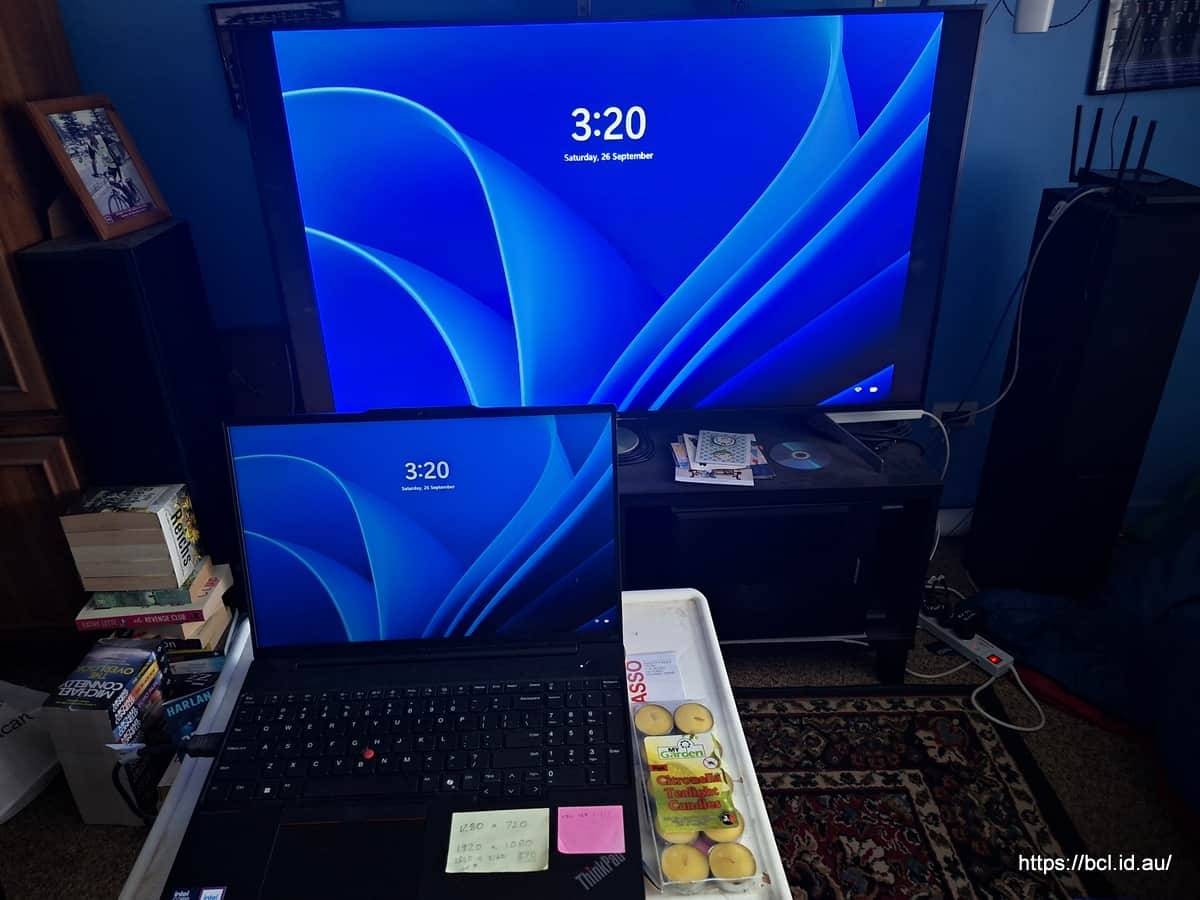
I like 3:2 OGF but I have a similar list to yours (though far less comprehensive) on a post it note stuck to my laptop keyboard (mainly to create stills for videos).
I don’t need to use a TV screen to look at photos, that is so weird. nor do I use a laptop with a small screen. Again so weird. Maybe in Australia they don’t have desktop computers and 27" monitors.
You’re obviously confused by the distortion caused by your anamorphic lens @realspeed, it was OGF that talked about looking at photos on his TV. Perhaps he uses them as a screen saver? I don’t know, you could ask him.
However as I type this on my desktop computer I am interested in your plans for this anamorphic lens and why you bought it for a digital camera? Surely you didn’t buy it just to make more videos of the most photographed garden in Bexhill?
If you are good I might come up with some more roo photos for you.
BTW I am surprised that you as a photographer didn’t understand perspective - the 16" screen on my laptop looks exactly the same size from about half a metre as your 27" screen looks from its recommended viewing distance of 70cm, likewise my TV from 1.5 metres or my phone viewed from 20cm.
Even better they have variable frame rates so don’t suffer from the stutter of your monitor.
Now that is weird.
Still interested in why you bought the anamorphic lens and what you intend using it for.
@realspeed has got a Lumix G Camera which is Micro Four Thirds. The sensor has an aspect ratio of 4:3, and so should all his pictures to get the highest possible resolution. No doubt he is going to crop to help the composition, but it’s best to start with a good hi-res pic.
I’ve got so used to 4:3, I have my phone set the same.
My cameras default to 4:3 too and my phone is the same but when I crop I usually go for 3:2 I like the proportions (Picasa calls it Large Print, 10 by 15) naturally I do use16:9 for special purposes but 3:2 is the one I like. It is just my preference, of course on the rare occasion I get prints I use their proportion to crop - usually 5 by 7
16:9 is supposed to be a very pleasing proportion and I as I understand it this new lens is for video only but I keep hoping RS will shed some light on what he wants to use it for, I understand its point in film cinematography but I am at a loss at the moment. He is usually pretty forthcoming about his equipment but not this piece for some reason.

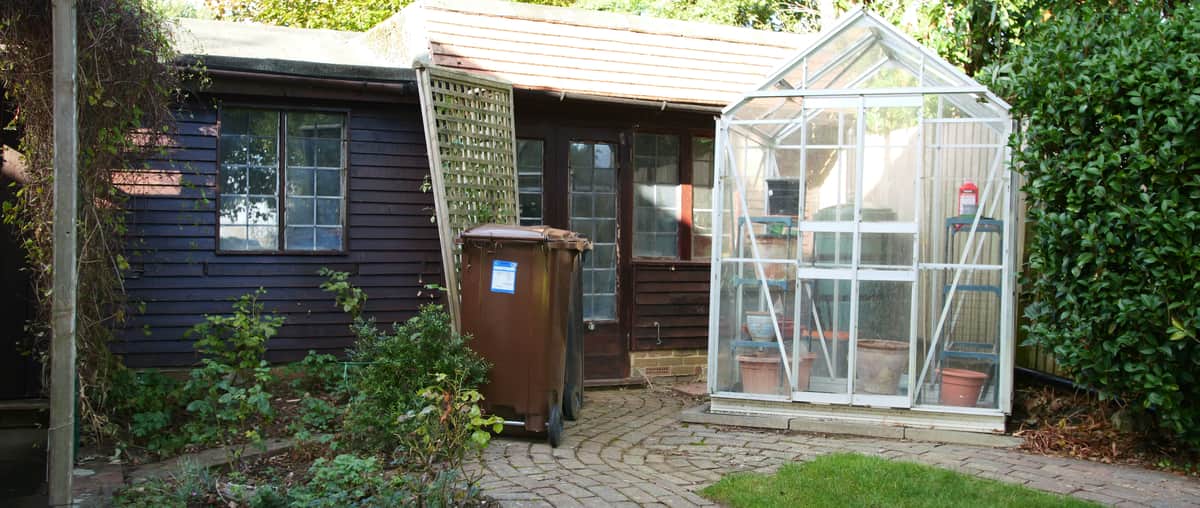


 trial and error method, now a question of subject matter