
which opens with MSN homepage there are instantly 37 cookies which come with the page.
Mongrels the lot of them.
Install Ghostery in your browser.
1 Like
They are probably, what they call, essential cookies.
But how do you know there are 37? I don’t know where to look to find the number of cookies.
1 Like
You can change any defaults and don’t need to accept MSN:
To set a homepage in Chrome on Windows 11, open Chrome, click the three-dot menu in the top-right corner, and select Settings. Navigate to On startup in the left sidebar to set a specific URL, or select Appearance to enable the Home button and set its custom URL.
1 Like
I don’t have a Homepage.
On Startup, I have “Continue where you left off” selected.
On my laptop I click on the 3 dots, top right.
Go down to the bottom of the window that opened.
Click on settings.
Click on manage cookies at the top.
Click on see all cookies and site data.
This brings up all cookies currently active.
Clicking on the right hand side symbols will show cookies for each site.
Click trashcan to remove.
Best not to remove commonly used sites such as over50s chat, email etc.
You can set “delete all cookies on Exit” (or words to that effect) then add Over50s Chat to the list of exceptions. Then all the cookies you don’t like will vanish every time you shut down the browser but the login details for the forum only remain…
1 Like
Mine a bit different:
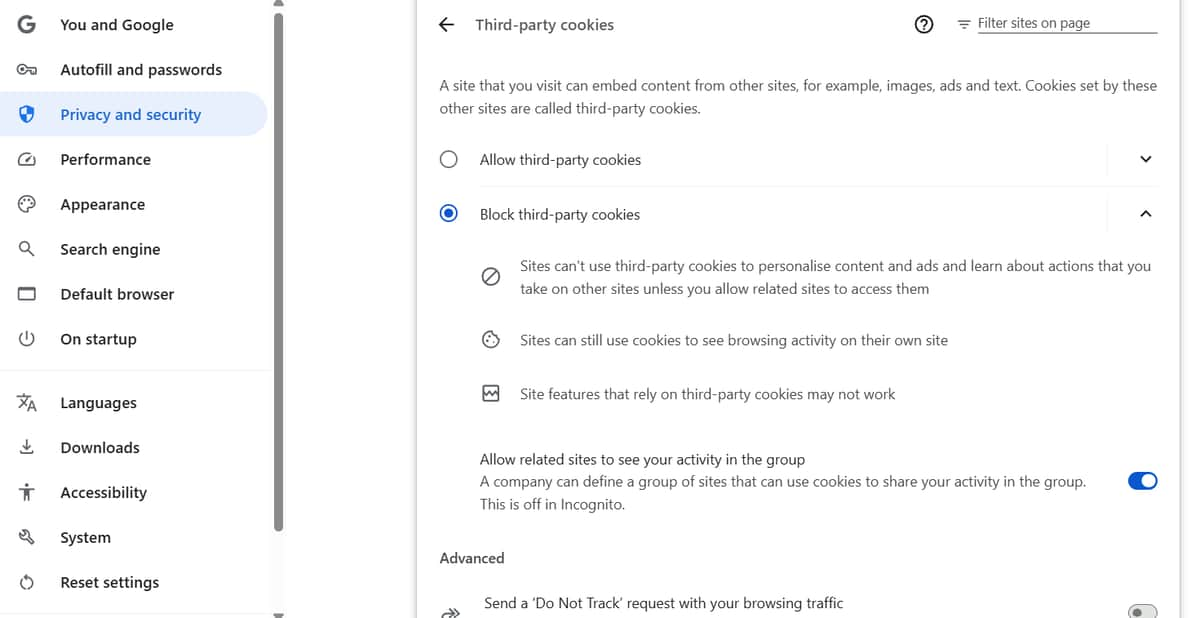
Can you Block third-party cookies? (I don’t know if I blocked them myself yonks ago, or if that’s default)
Can you go back a page and show me?
Click the left pointing arrow next to third party cookies
Hi
Yes, technology is not my forte.
All these cookies I am getting are causing me to put on weight.

1 Like
I laughed at Shane Warne when he was sledged by an English player about why he was so fat, he replied, “Every time I make love to your wife she gives me a biscuit.”
1 Like
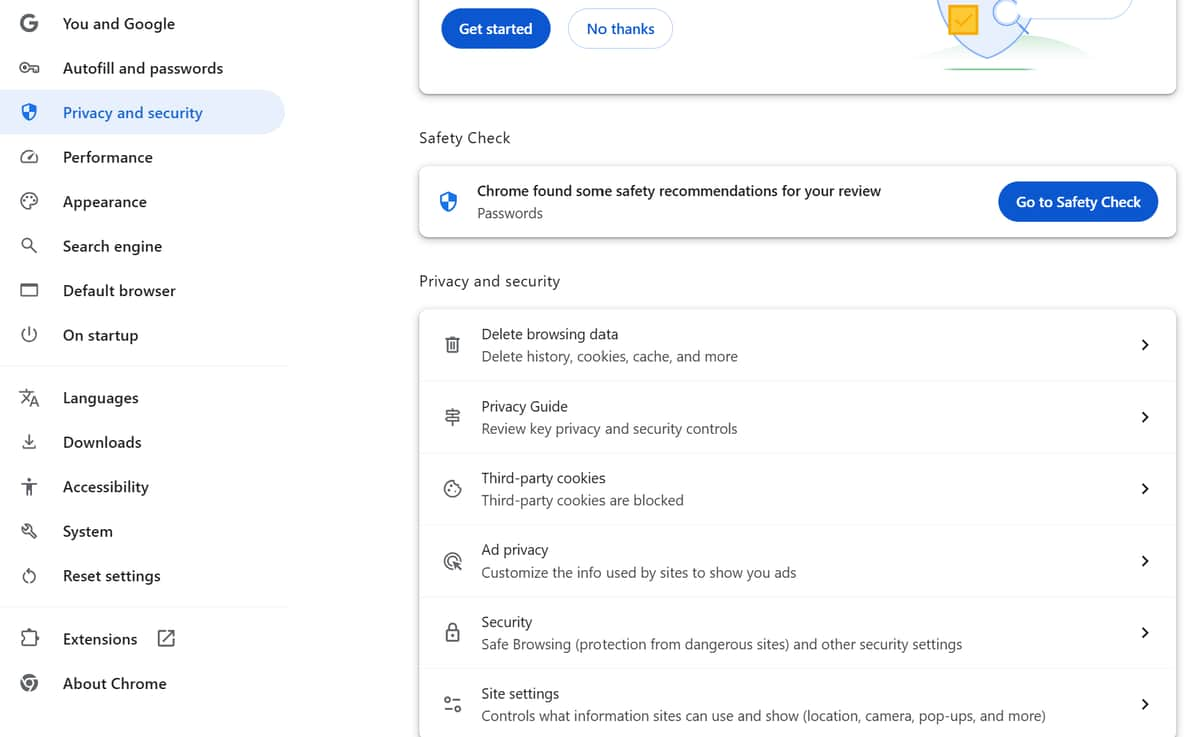
It is slightly different to mine.
On the left, where the first item is You and Google, is there a search box above it?
If there is, type in Cookies and show me that page.
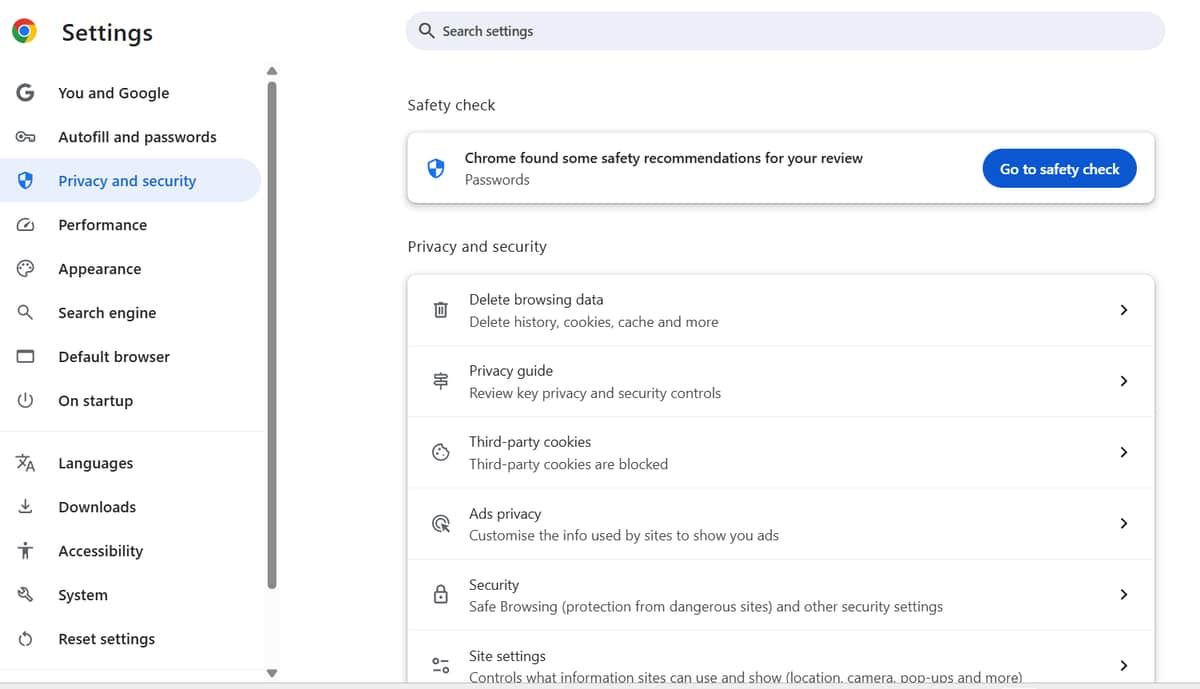
6 down there is search engine. Try that and type in cookies.
I notice top right has - search settings.
thee was one program I wanted to eliminate on my computer. so ran a program called - revo uninstaller- which is very good. However because what i wanted to do I kept getting an old version of the one I wnated to et rid of
Only way to check was to go into -regedit- and search all the drop downs. Yes in one of them there it was still in the registery where I deleted it.
Going into the registry is not recommened as it is the heart of a computer. One mistake and your in deep trouble
1 Like
This is why I never attempt to add or remove programs or apps, or whatever those things are called.
I know I done something to a laptop years ago, deleted a crucial program and ruined the laptop.
Now when I come across issues, I do my best to skirt those unwanted annoyances.